
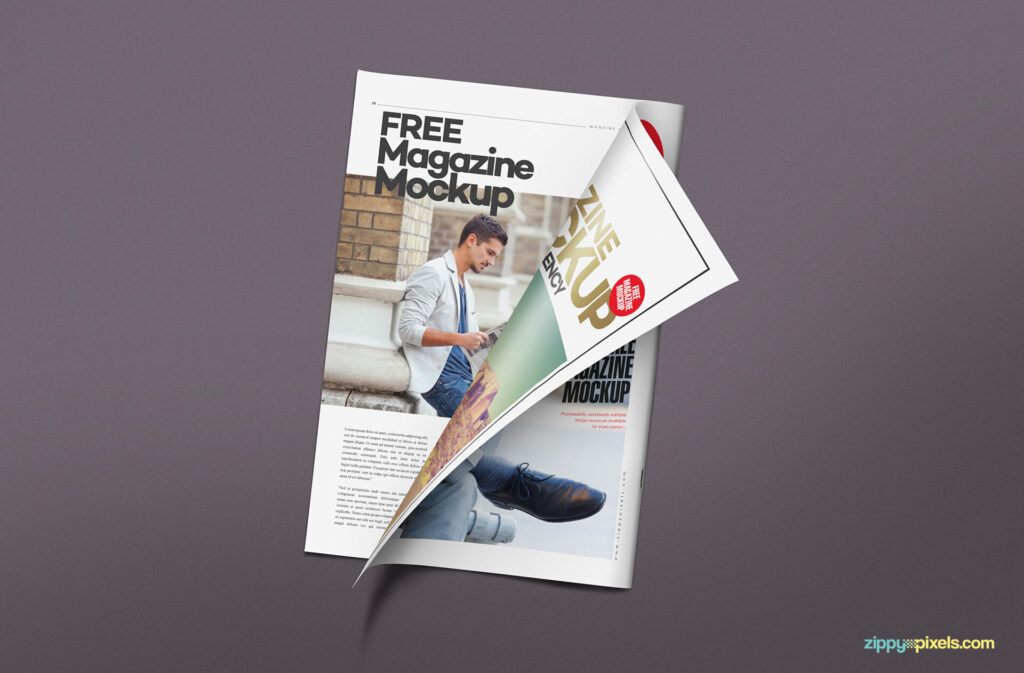
Top View Semi-open Magazine Mockup

Information
Description

If you’re finalizing a magazine for your projects, I guess this mockup can be so practical. It’s featuring a semi-open magazine that you can simply customize all observable sides in a small breeze. Using the mockups is truly easy and requires no expertise. Just open Photoshop, drag and drop your work, and hit the save button.
You have many various options to make an incredible magazine. Change the colors to any hue you fancy, add related texts, attach a photo and see how amazing it appears. Don’t waste your money and time when you have this predefined magazine mockup. It’s time to get a little creative and inspire your clients at a glance.
About Top View Semi-open Magazine Mockup
What you get
- Filed under Magazine Mockups.
- Preview dimensions: 600 × 400 px (3:2).
- Dominant preview colors: #606060, #806080, #604060, #E0E0E0 and #806060.
Useful for
What is included with Top View Semi-open Magazine Mockup?
Filed under Magazine Mockups. Preview dimensions: 600 × 400 px (3:2). Dominant preview colors: #606060, #806080, #604060, #E0E0E0 and #806060.
What can I use this mockup for?
It is especially useful for client presentations, portfolio previews, product showcases and campaign concepts. Check the item details and any license information shown on this page before final use.
How can I find similar mockups?
Use the related links above to browse the same categories, formats and—when available—similar dominant colors.
Related downloads
View all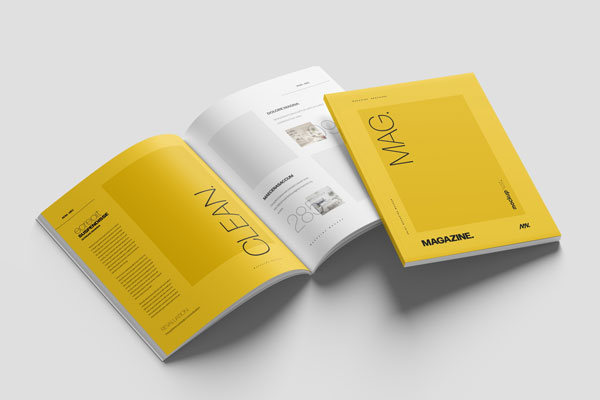
US Letter Magazine Mockup in 4 Shots
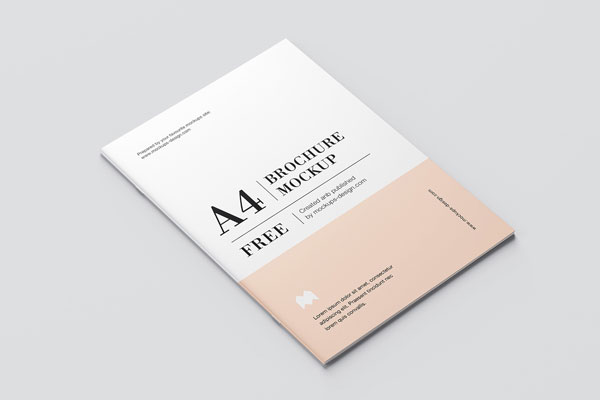
Top and Perspective View of 8 A4 Brochure Mockups
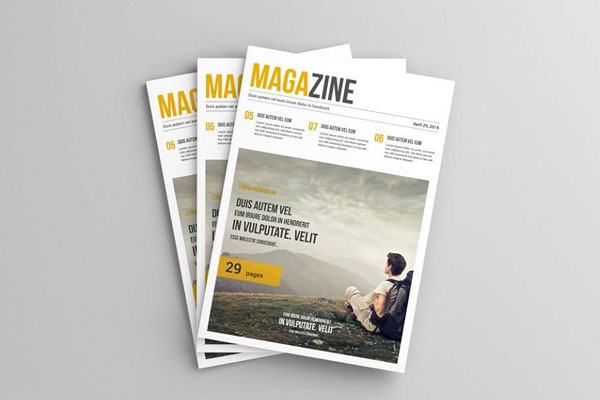
A4 Magazine Mockup in 6 Visions
8 Mockups of Thin A4 Brochure from Different Angles
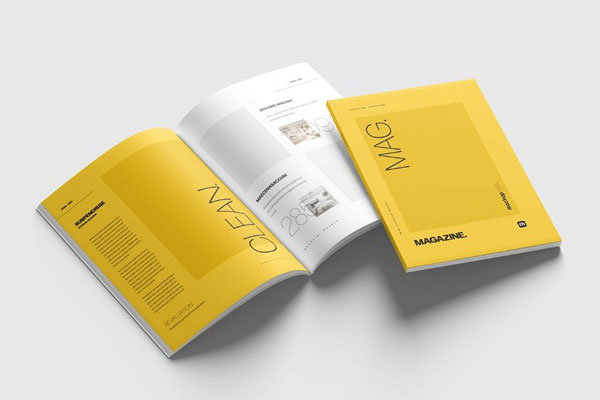
4 Showcases of A4 Magazine Mockup
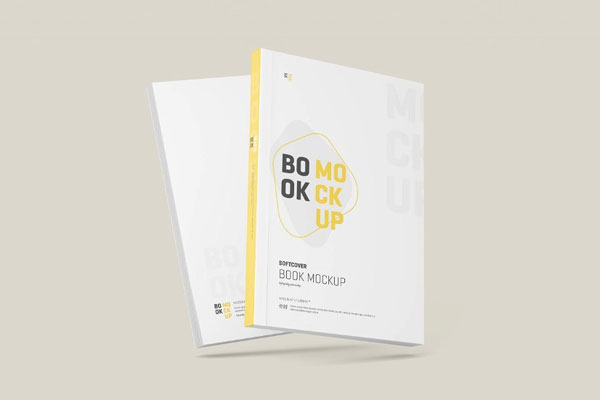
4 Shots of Clean Softcover Book Mockup

A4 Clear Glossy Plastic Wrapped Magazine Mockup

User reviews